 TZS
 KES - Kenya
 UGX - Uganda
 RWF - Rwanda
 NGN - Nigeria
 ZAR - South Africa
 USD - Zimbabwe
 GHS - Ghana
 ETB - Ethiopia
 ZMW - Zambia
 USD - International

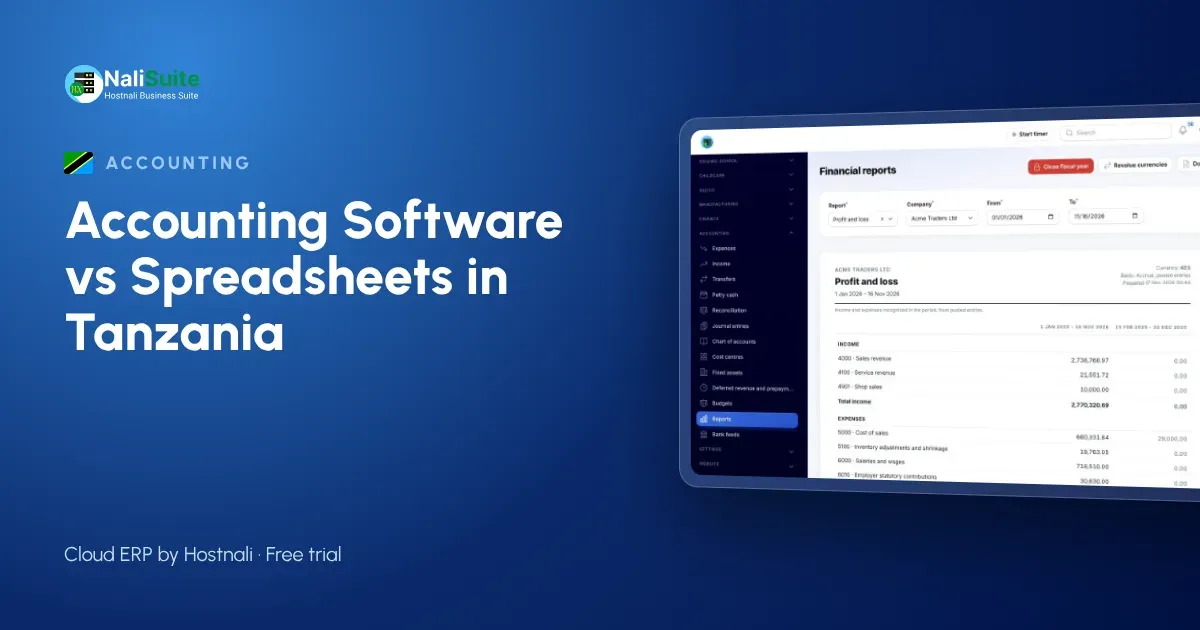
Think about two spare-parts dealers on the same street in Arusha. Both sell to garages on credit, both take M-Pesa and bank payments, both employ a small team. One uses Excel for its books; the other uses accounting software. The gap between them shows up in small, everyday moments.
A garage asks for its balance
At the Excel shop, the owner opens the workbook, filters the sales tab by customer, subtracts payments from a second tab and gives an answer that may or may not include last week’s transfer.
At the software shop, the customer’s statement is generated in seconds, listing every invoice and payment, and can be emailed straight to the garage.
M-Pesa payments land during the day
The Excel shop receives a stream of M-Pesa confirmation messages. Someone copies the amounts into the sheet in the evening, when they remember. Payments from people who did not quote an invoice number are parked in a “check later” list.
The software shop imports its statements into reconciliation, and each payment is matched with the right invoice. Customers can also pay directly from an invoice by M-Pesa, Airtel Money or card, so the link between payment and invoice is made automatically.
VAT and TRA
Both shops charge VAT at 18%. The Excel shop calculates VAT from monthly totals. The software shop has VAT worked out on every invoice line, so the return and the invoices tell the same story.
Tanzania also requires electronic fiscal receipting (EFD) for many businesses. Which rules apply depends on your registration, so confirm them with TRA or your accountant. Keeping each sale linked to its document in one system makes the fiscal records and the accounts much easier to reconcile.
The parts count
Stock is where the Excel shop really struggles. Parts arrive, some are sold from the counter, some are sent to garages, and the sheet rarely reflects what is on the shelves. The software shop’s stock moves when an invoice or delivery is recorded, so the count stays close to reality.
Comparing a month’s work
| Task | Excel shop | Software shop |
|---|---|---|
| Customer statements | Built by hand | Generated |
| M-Pesa and bank matching | Evenings of copying | Imported and matched |
| VAT for the return | From totals | Per invoice line |
| Stock levels | Out of date | Updated with each sale |
| Where figures come from | Typed by hand | Posted from invoices and payments |
When the spreadsheet still works
If you sell for cash only, are not VAT-registered and work alone, a tidy spreadsheet can serve you well. Credit customers, staff and VAT registration are the three signs it is time to move.
Switching without stopping
- Start at the beginning of a month.
- Export customers, suppliers and parts lists from Excel to CSV.
- Import them into the Accounting app and enter opening balances.
- Add unpaid invoices so customer statements carry over.
- Keep the workbook as an archive once the first month reconciles.
Leaving another package? The switching guide explains the export steps.
A second example: a Mwanza fish exporter
A fish processing business in Mwanza buys from fishing groups, processes at its plant and exports to regional buyers. Purchases are many and small, sales are few and large, and costs such as ice, packaging and transport are paid daily. The spreadsheet captured them, but nobody could say what each consignment cost to produce.
In software, purchases are entered as bills against suppliers, stock moves through the Inventory app and each consignment is invoiced to its buyer. Costs and sales sit in one ledger, so the owner sees gross profit per consignment rather than one blended figure at year-end.
Tanzanian checklist before switching
- Confirm with TRA or your accountant which EFD requirements apply and how they will sit alongside the new books.
- List the M-Pesa, Airtel Money and bank accounts that receive money.
- Capture customers’ and suppliers’ TINs during the import.
- Start at the beginning of a month and run one month in both systems.
Frequently asked questions
Can staff use it on their phones?
Yes. NaliSuite runs in the browser on any phone, tablet or laptop.
Does it handle part payments by M-Pesa?
Each part payment is recorded against the invoice and the balance stays open until it is cleared.
How long before I see the benefit?
Most owners notice it at the first month-end, when matching takes an hour instead of days.
Can my staff record expenses from the field?
Yes. NaliSuite runs on any phone browser, so purchases and receipts can be recorded where they happen.
Can I see which customers are slow to pay?
Yes. Each customer’s statement shows unpaid invoices and how long they have been outstanding, and overdue invoices can get reminders.
Try NaliSuite
The second dealer is not cleverer, just better equipped. Try NaliSuite free; plans start at TZS 5,500 a month. View plans.