 TZS
 KES - Kenya
 UGX - Uganda
 RWF - Rwanda
 NGN - Nigeria
 ZAR - South Africa
 USD - Zimbabwe
 GHS - Ghana
 ETB - Ethiopia
 ZMW - Zambia
 USD - International

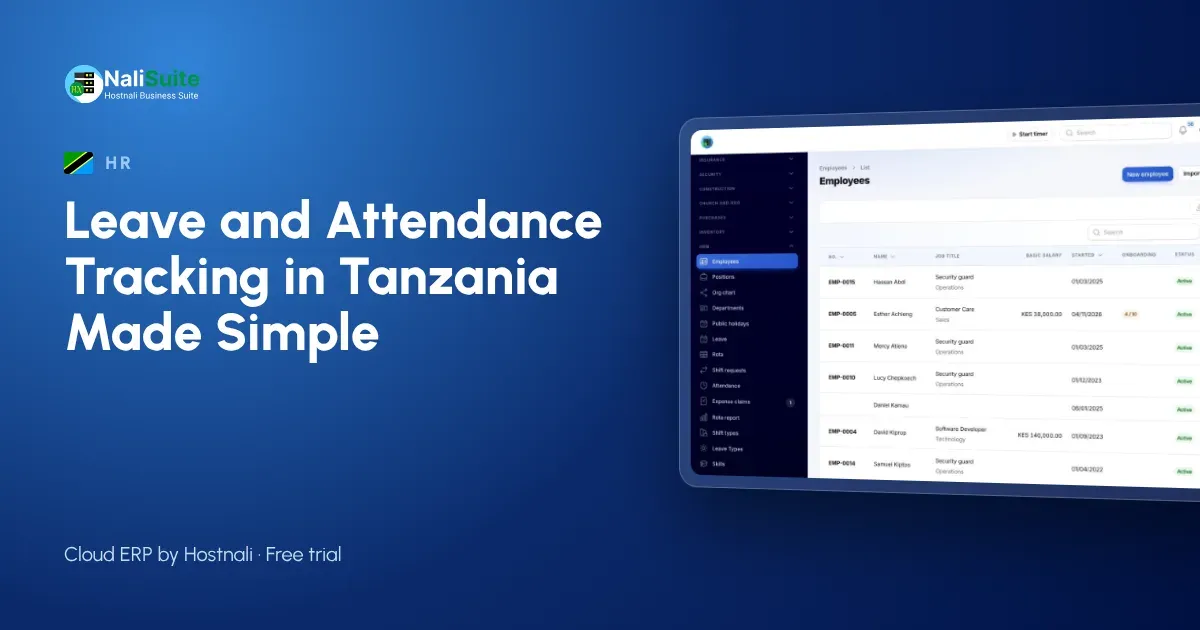
Tanzanian businesses in tourism, fishing and trade often run seasonal teams that change every few months. Keeping leave and attendance straight on paper is hard when the team itself keeps changing.
This guide explains what to track, how to set it up on staff phones and how it connects to payroll, with an example from a fish processing plant in Mwanza.
Leave and attendance in Tanzania: what to keep in mind
In Tanzania, leave entitlements come from the Employment and Labour Relations Act and your contracts; set your leave types to match them and check the law if you are unsure. The pay run then works out PAYE, NSSF, SDL and WCF from the same records and pays staff by bank, M-Pesa or Airtel Money.
The records that matter
Good leave and attendance records answer five questions without anyone digging through messages:
- Which leave types does each employee have, and what is their balance today?
- Who asked for leave, when, and who approved it?
- Who checked in today, where, and at what time?
- Who was late or absent, and was it explained?
- Which hours count as overtime this month?
Late detection and site check-in
Set the working hours for each team and draw a geofence around each site. When someone checks in after the start time, the HR app marks them late; when they forget to check out, the supervisor is prompted to fix it. Over a month this gives you an honest picture of punctuality without anyone standing at the gate.
Keeping staff on side
Check-in works best when staff see the benefit too. They can check their own leave balance at any time, see exactly which days were counted, and get their payslip in the same app. Explain that the geofence records location only at check-in and check-out, not all day.
Approvals without the paperwork
Each request in the employee app carries the dates, the reason, the remaining balance and the approver’s decision with a timestamp. Supervisors approve from their own phones, so leave no longer waits for someone to be back in the office, and HR stops being the middle person for every message.
A real-world picture
A fish processing plant in Mwanza with 52 workers on two shifts used a clocking book at the gate. The book recorded arrivals but not departures, so overtime was argued over every month. With phone check-in and check-out at the plant’s geofence, both ends of each shift are recorded, overtime is calculated, and leave requests go to the shift supervisor.
Questions to answer before you start
- Which leave types do your contracts in Tanzania promise, and how many days each?
- Does leave build up month by month or arrive at the start of the year?
- Can unused days be carried over, and is there a limit?
- Who approves leave for each team, and who covers when they are away?
- Which sites need a geofence, and what are the working hours at each?
- Which staff are paid by the day or hour, so attendance changes their pay?
Reports worth checking monthly
- Leave taken and remaining per employee, so nobody reaches December with a month of leave owed.
- Absence and lateness per team, to spot a pattern early.
- Overtime hours per person and per site, against your budget.
- Upcoming leave for the next four weeks, so you can plan cover.
From attendance to payroll
Leave and attendance only matter if they reach the payslip. In NaliSuite, approved unpaid leave, absences and overtime flow into the pay run, and statutory payroll works out PAYE, NSSF, SDL and WCF on the final figures. You can also try the PAYE calculator for a single salary. Salary slips go out by email or WhatsApp and are always in the employee app.
What goes wrong, and how to prevent it
Leave tracking usually fails for simple reasons: balances that were never loaded, approvers who are not told about requests, and attendance records nobody reviews. Fix these with three habits: load starting balances before go-live, give every team a named approver and a backup, and look at the late and absence report every Monday.
Another example: Arusha
Take a safari outfitter in Arusha with about 24 staff. Before going digital, the supervisor in Arusha kept leave on a wall calendar and paid overtime from memory. In the first month on NaliSuite, the leave calendar showed two clashes before they happened, and overtime was paid by bank and M-Pesa or Airtel Money only for hours that had been approved.
How to switch from paper
Start with one team rather than the whole company. Load their leave balances, set their geofence and run both systems side by side for two weeks. When the app’s records match reality, add the next team. Most businesses have everyone on it within a month.
Frequently asked questions
Can seasonal staff be added and removed easily?
Yes. Add them with their contract dates; when the season ends, close the contract and keep their records.
Is overtime calculated automatically?
Check-in and check-out give the hours; overtime is carried to the pay run for approval.
Do staff need a laptop?
No. The employee app works on any smartphone browser and can be added to the home screen.
Try NaliSuite
Leave, attendance, HR and payroll are part of every NaliSuite plan, from TZS 5,500 a month. Start a free trial and set up your first team this week, or compare the plans.